Explore
Walk, run and fly over 6 regions made of blocks. Visit a forge city, snowy peaks, a coral reef, a green forest, a crystal canyon and an island with a lighthouse. You can also explore a brand-new random map of any region.
Play / Dragon STEM Open Map
Fly a dragon over a world made of blocks. Dig, build and solve 38 STEM missions from the Dragonkeepers books.
It runs in your web browser, with nothing to install. The first start downloads about 12 MB. No timers, no scores, no ads.
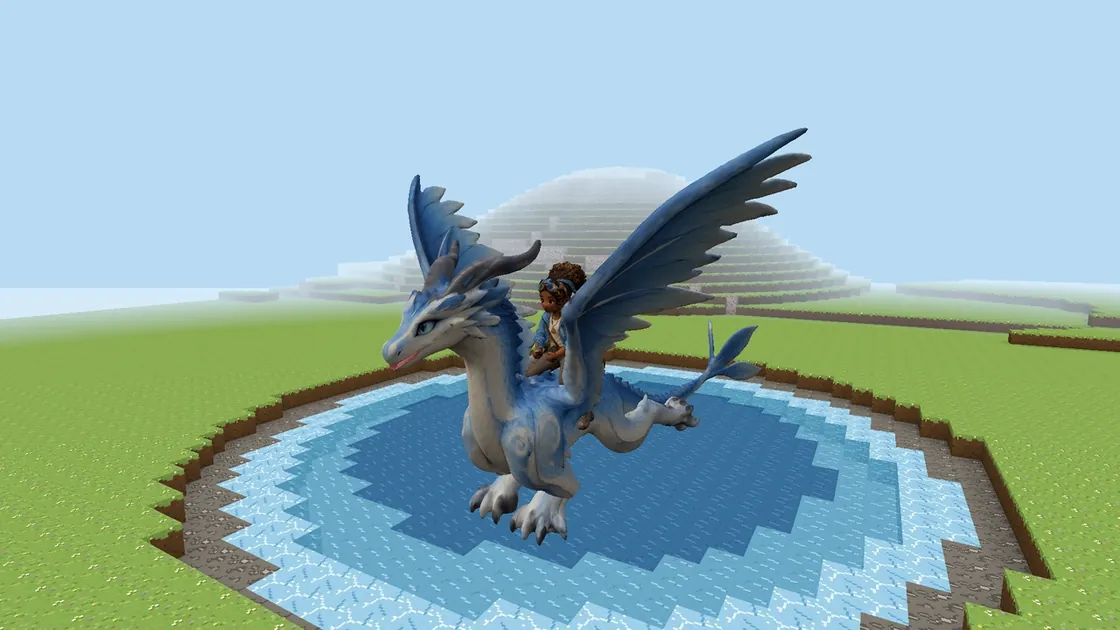
The Open Map is a big, calm world. You choose what to do next.
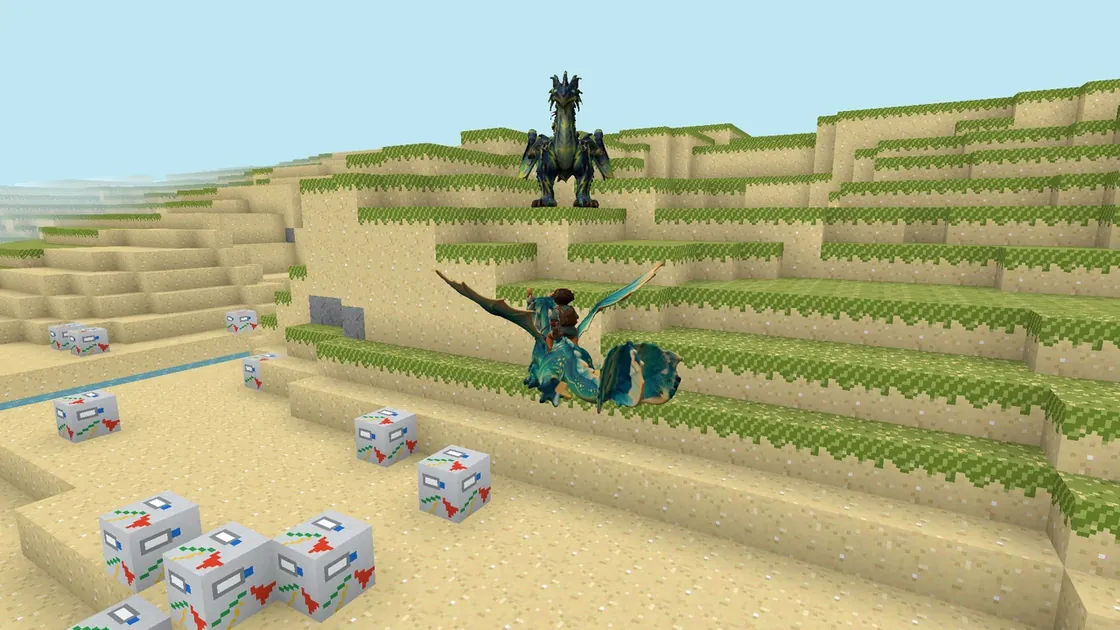
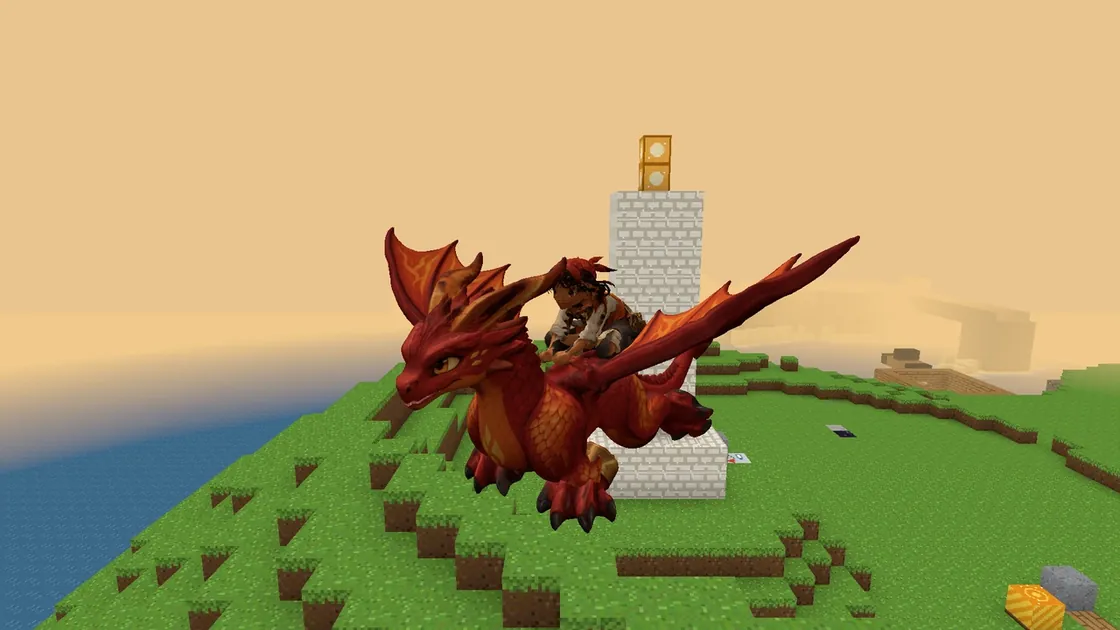
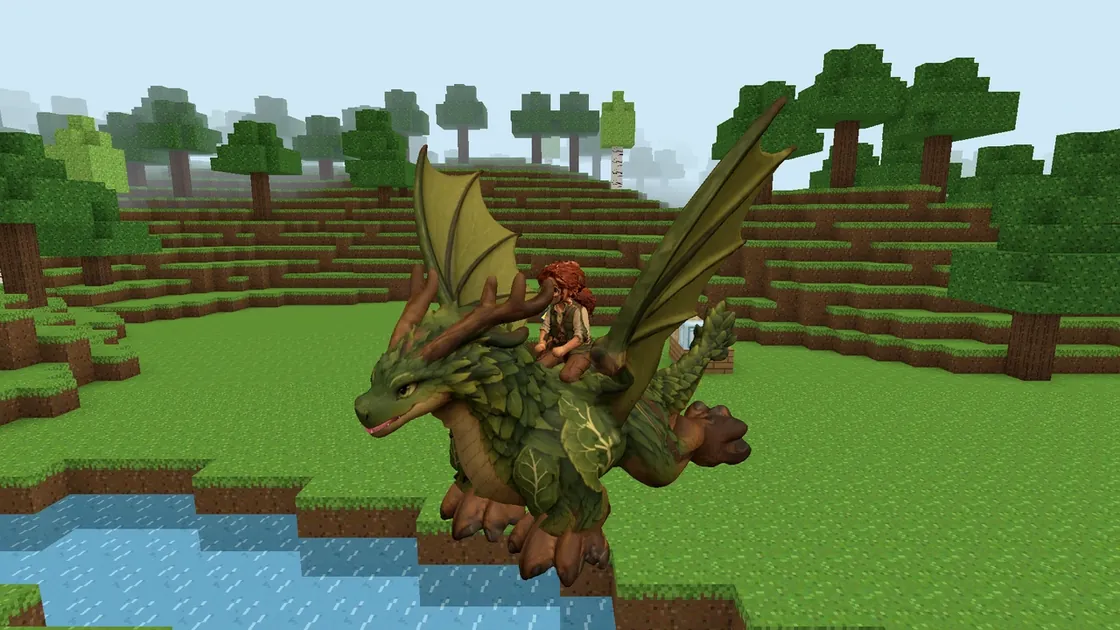
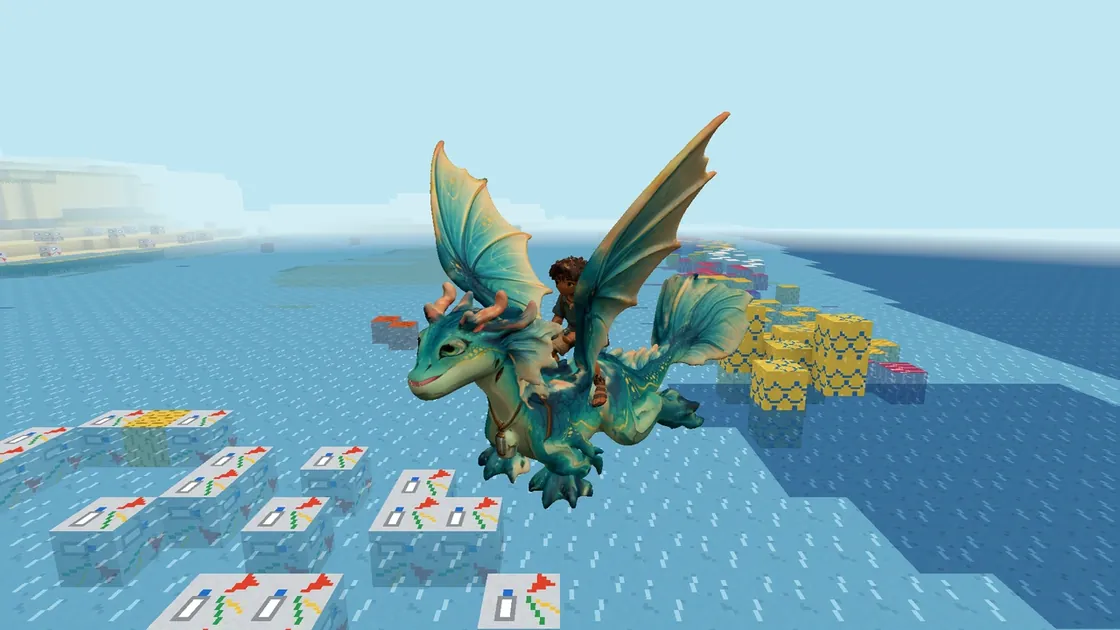
Walk, run and fly over 6 regions made of blocks. Visit a forge city, snowy peaks, a coral reef, a green forest, a crystal canyon and an island with a lighthouse. You can also explore a brand-new random map of any region.
Press F to take off and glide over trees, cliffs and water. Press G (Sense) and an arrow points the way. In deep water your dragon swims, and Marina glides through it with her fin-wings.
Click to dig a block. Right-click to build one. Missions ask you to build real things. Some are braces for a tower and a mast to catch the wind. Others are a windbreak, a floating barrier and a strip of plants along a stream. Your builds on the main maps are saved with your game.
Every mission comes from pages in the books. You read gauges, sort cards, test ideas and fix problems. Your rider gives hints, and a hint never gives the answer. A wrong answer gets a reason and another try. After three wrong tries on a number, your rider shows how to work it out. Then you type the answer.
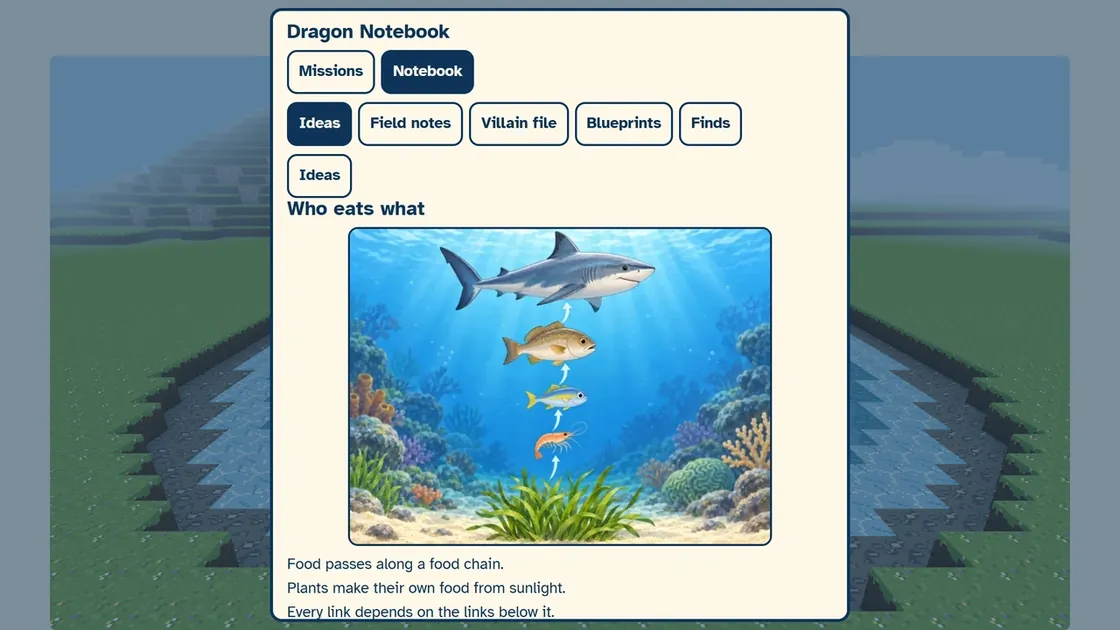
Every idea you learn becomes an idea card. Every finished mission adds a notebook page. Press N to open it.
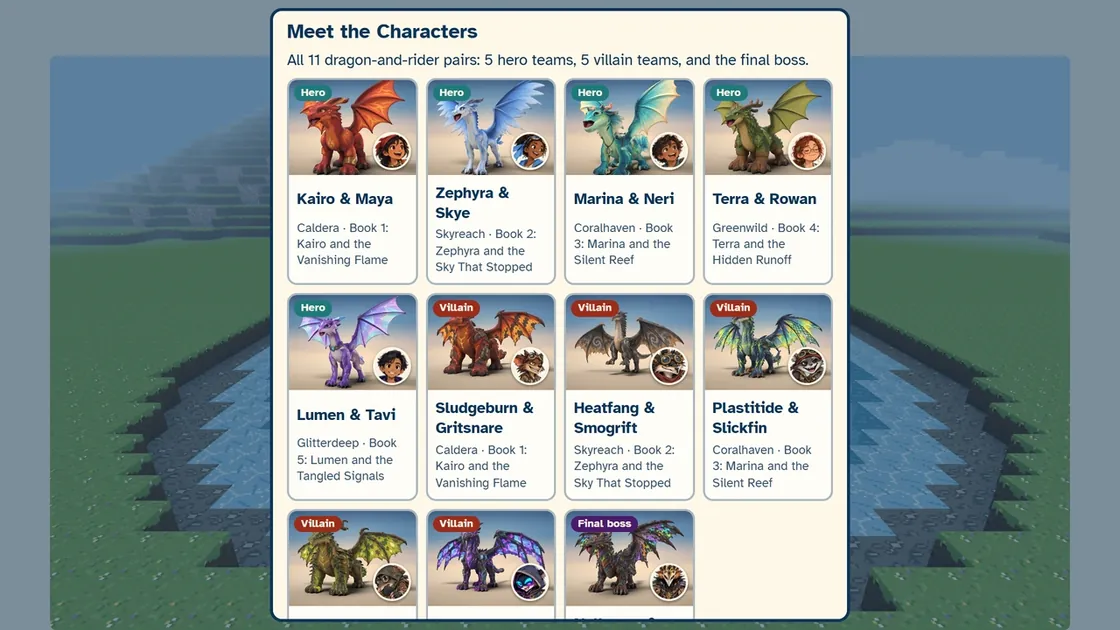
Open the Menu and choose Characters. You meet all 11 dragon-and-rider pairs: five hero teams, five villain teams and the final boss.
A little friend, Squishy Dumpling, pops up next to your dragon. Press P to pet it. You can turn the friend off in the Menu, under Friends. Meet Squishy Dumpling.
No timers. No scores, stars, streaks or rankings. Badges are never taken away, except when you choose New world, which asks first. Stop any time: the game saves itself.
This information is taken straight from the game, so it matches what your child plays.
A little friend called Squishy Dumpling pops up next to your child's dragon. It is a small cartoon character in the game, not another player. It is only company, with no hints, no answers and nothing to win.
It is on when the game starts, and you can turn it off at any time. Open the Menu, choose Friends and press the On button. The button turns to Off, and the friend goes away.
The game remembers your choice in that browser, and each saved world keeps its own choice. A new browser or device starts with the friend on. So does a guest window, a private window or a browser that has cleared its data. The game collects and sends nothing.
On a shared Chromebook, turn it off each time, or use the link that ends in ?friends=off.
The missions are for grades 3 to 5. Each one is built from pages of Books 1 to 5. Beacon Isle follows the next book, which is not out yet. The game names the standards each mission practices, so you can see how it fits your lessons.
The main standard is the skill a mission mostly teaches. 'Connection' and 'also practiced' are ideas a mission touches. 45 standards are named in all.
| Mission | Main standards | Other standards |
|---|---|---|
| The Forge Flame Fades | 3.NBT.A.2, 3.OA.A.3 | 3-5-ETS1-1, MP6 |
| Filter Plates and Fair Shares | 3.OA.A.1, 3.OA.A.2 | 3.OA.C.7 |
| Fractions of the Fuel Wheel | 3.NF.A.1, 3.NF.A.3b | 3.G.A.2 |
| A Shortcut in the Shadows | CCC-CE, CCC-SYS | 4-PS3-2 |
| Build a Better Filter | 3-5-ETS1-1, 3-5-ETS1-3, 3-5-ETS1-2 | – |
| Sabotage at the Vent Tower | 3.OA.D.9 | 3-5-ETS1-3 |
| Mission | Main standards | Other standards |
|---|---|---|
| A Strange Stillness | 3-ESS2-1 | MP6 |
| Pushes, Pulls, and the Glide Test | 3-PS2-1 | 3-PS2-2, 3.NBT.A.2 |
| Weather or Climate? | 3.MD.B.3, 3-ESS2-1 | 3-ESS2-2 |
| Catch the Wind: Pick the Site | 4-ESS3-1, 3-5-ETS1-2 | 4-PS3-2, 3.OA.A.2 |
| Engineer a Wind Meter | 3-5-ETS1-3, 3-5-ETS1-2 | 3-5-ETS1-1 |
| Ready for the Wind | 3-ESS3-1 | 3-5-ETS1-2, 3.NBT.A.2 |
| Sabotage at the Weather Tower | 3-ESS2-1, 4.MD.C.5 | ISTE-S 3b |
| Mission | Main standards | Other standards |
|---|---|---|
| Compare the Reef Zones | 3-LS4-3 | 3.NBT.A.2, 3-LS4-4 |
| Sort the Sea Life | CCC-PAT | 4-LS1-1, 3-LS4-3 |
| Who Eats What in the Reef | 5-LS2-1 | CCC-SYS, 3-LS4-3 |
| Follow the Floating Clues | 5-PS1-3 | 3.MD.B.3, 5-ESS3-1 |
| Test the Cleanup Tools | 3-5-ETS1-2, 3-LS4-4 | 3.MD.B.3, 3-5-ETS1-3 |
| Sabotage at the Tide Gate | 5-ESS3-1, 3-LS4-4 | 3.MD.B.3 |
| Mission | Main standards | Other standards |
|---|---|---|
| Four Curiosity Sparks | 4-ESS2-1 | 5-ESS2-1, 5-LS2-1, 4-LS1-1 |
| Where Does Runoff Go? | 4-ESS2-1 | 5-ESS3-1, MP6 |
| Count the Living Clues | 3-LS4-3 | 3.MD.B.3, 5-ESS3-1 |
| Dissolved, Cloudy, or Settled? | 5-PS1-1, 5-PS1-3 | MP6 |
| Build a Green Buffer | 3-5-ETS1-3, 3-5-ETS1-2 | 3.MD.B.3, 4-ESS2-1 |
| The Thorny Vines | 3-LS4-4 | 3-LS4-3, 4-LS1-1 |
| Sabotage at the Marsh Bridge | 5-ESS3-1 | 5-PS1-1, 5-LS2-1 |
| Mission | Main standards | Other standards |
|---|---|---|
| Debug the Tangled Signal | CSTA 1B-AP-15, CSTA 1B-CS-03 | CSTA 1B-CS-02 |
| Sort the Sticky Notes | SEP-ARG, ISTE-S 3b | – |
| Check a Suspicious Message | ISTE-S 3b, CSTA 1B-NI-05 | – |
| Test the Signal Filter | CSTA 1B-DA-07, 3-5-ETS1-3 | 3.MD.B.3 |
| Design a Kinder Tech Space | 3-5-ETS1-2 | 3-5-ETS1-1, ISTE-S 2b, 4.MD.A.2 |
| The Hidden Node | CSTA 1B-DA-07 | CSTA 1B-NI-04, ISTE-S 3b, CSTA 1B-AP-15 |
| Mission | Main standards | Other standards |
|---|---|---|
| Five Clues, One Island | CCC-CE | 3-5-ETS1-1 |
| A Map of Connections | CCC-SYS | 4-PS3-2, 3-5-ETS1-1 |
| Two Clues at the Wheel | CCC-CE, 3-LS4-4 | 3.NBT.A.2 |
| The Hidden Wedge | 3-5-ETS1-3 | 4-PS3-2 |
| A Message You Can Trust | CSTA 1B-AP-08, CSTA 1B-DA-07 | 3-5-ETS1-2, 3.MD.B.3 |
| The Dragonkeepers Unite | 3-5-ETS1-3, CCC-SYS | 5-ESS3-1 |
Every idea card has a safe activity to try away from the screen. Here are six. A card with a grown-up note needs a grown-up to help.
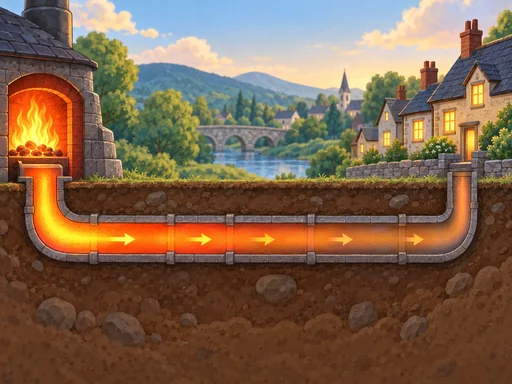
You need: 2 cups, warm tap water, a towel.
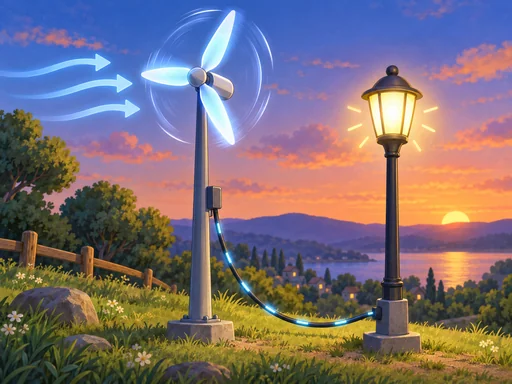
You need: a toy pinwheel, a fan, or your own breath.
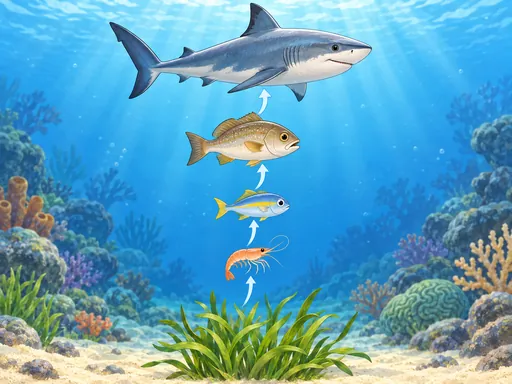
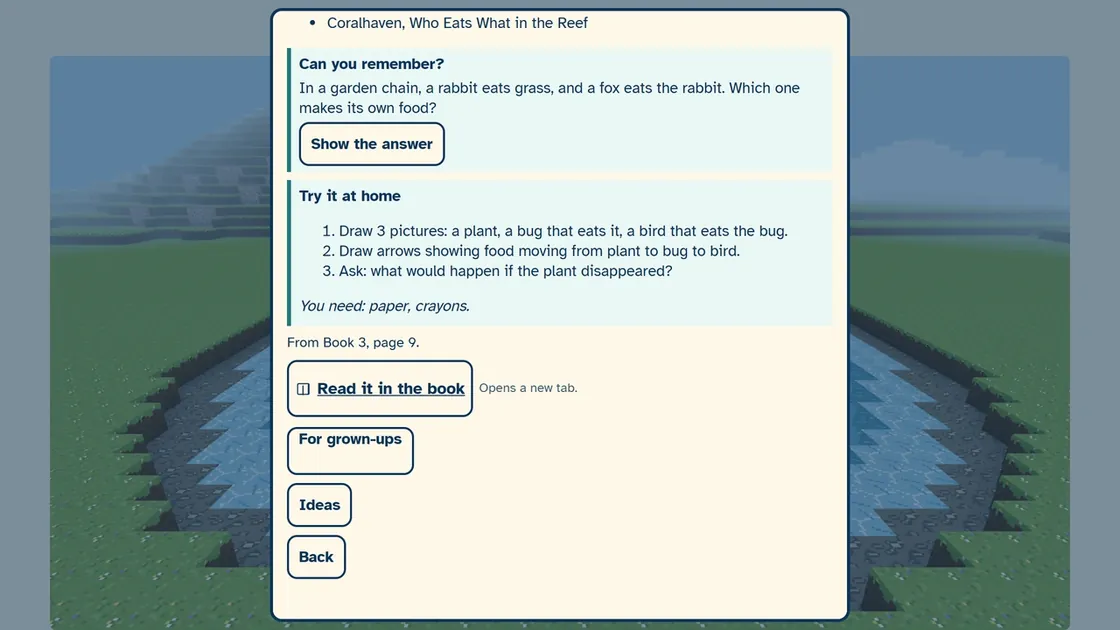
You need: paper, crayons.
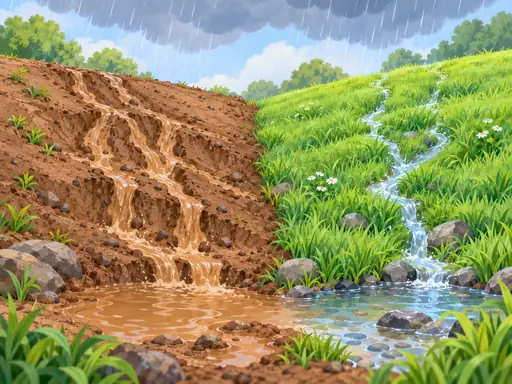
You need: 2 cups, dry soil, small stones or grass clumps, water.
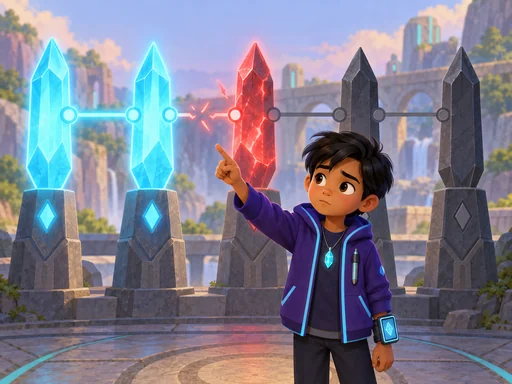
You need: paper, 2 pencils, a helper.
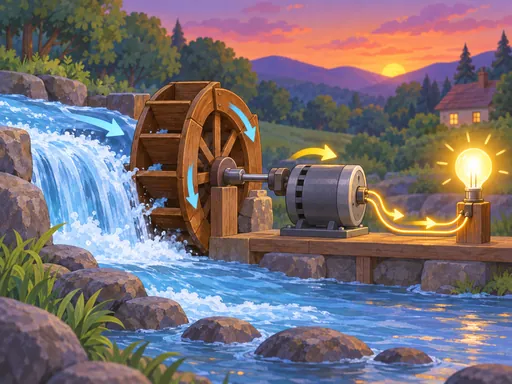
You need: a lamp, fan or other switched device.
32 missions link to a page that shows only the book pages they use (101 book pages in all). Each page also has the big idea in plain words, an activity to try at home and a memory question. A closed 'For grown-ups' box holds the learning goal and the standards. Beacon Isle missions have no book link yet.
The first five regions match Books 1 to 5. Each has its own hero dragon, its rider and its own STEM ideas. Beacon Isle is the sixth, and it comes next in the story. Every map is open from the start, so you can go anywhere. The story goes best in book order, and Beacon Isle is best after the first five badges.
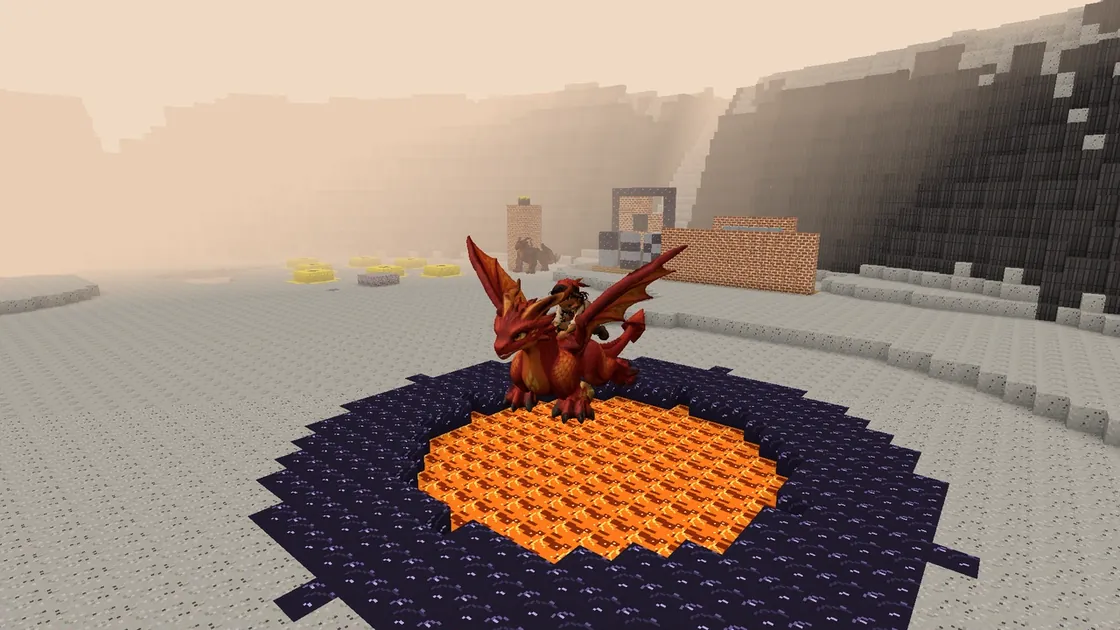
A volcano bowl with black basalt, gray ash, a magma pool you can only look at, and an old forge.
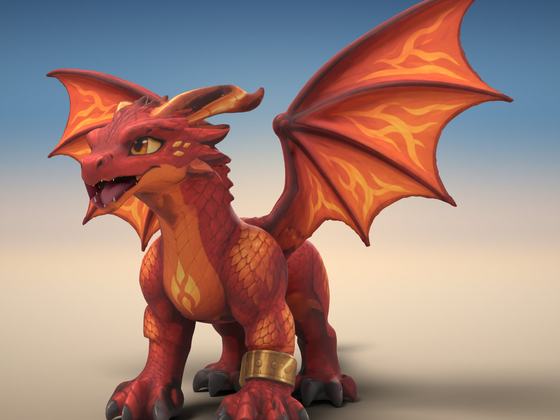
Kairo, the fire dragon (Emberhorn), with rider Maya.
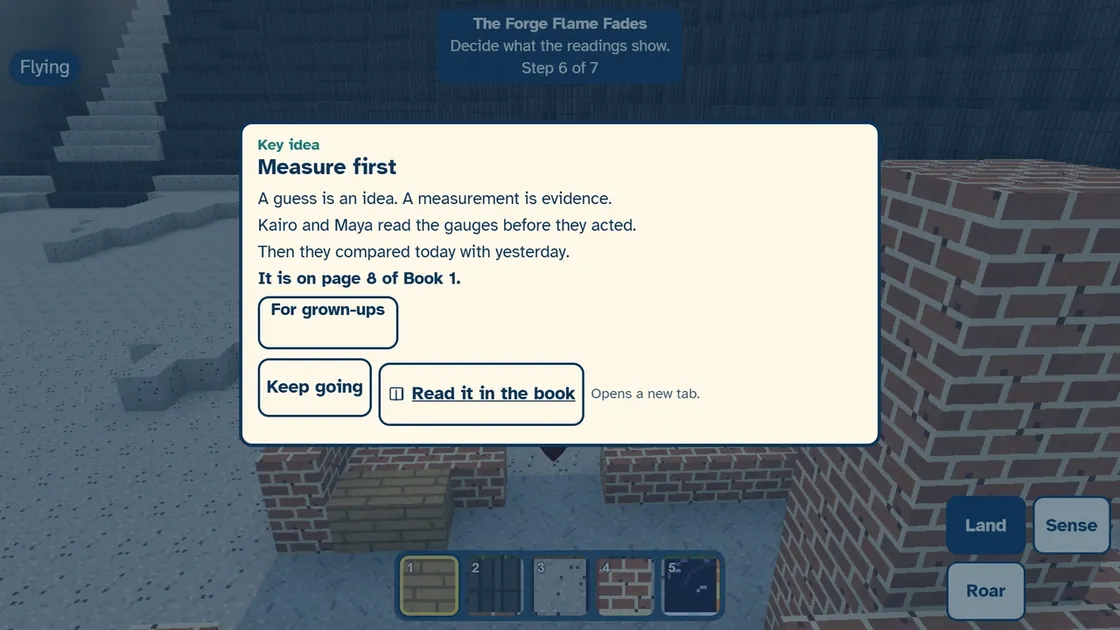
 Measure First
Missions in this region (6 missions, 2 new)
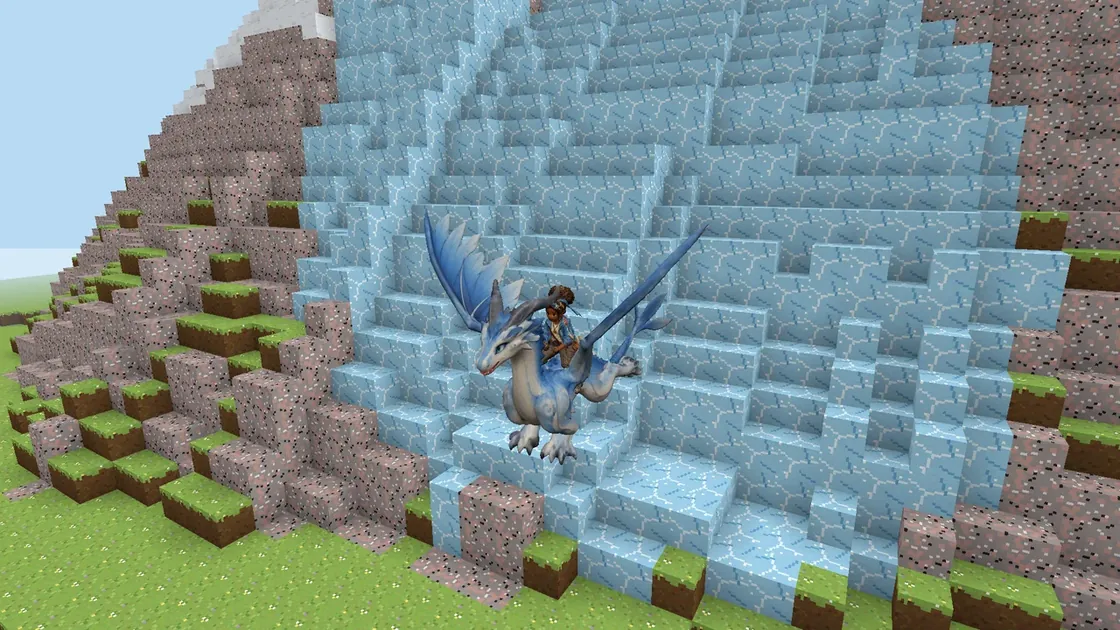
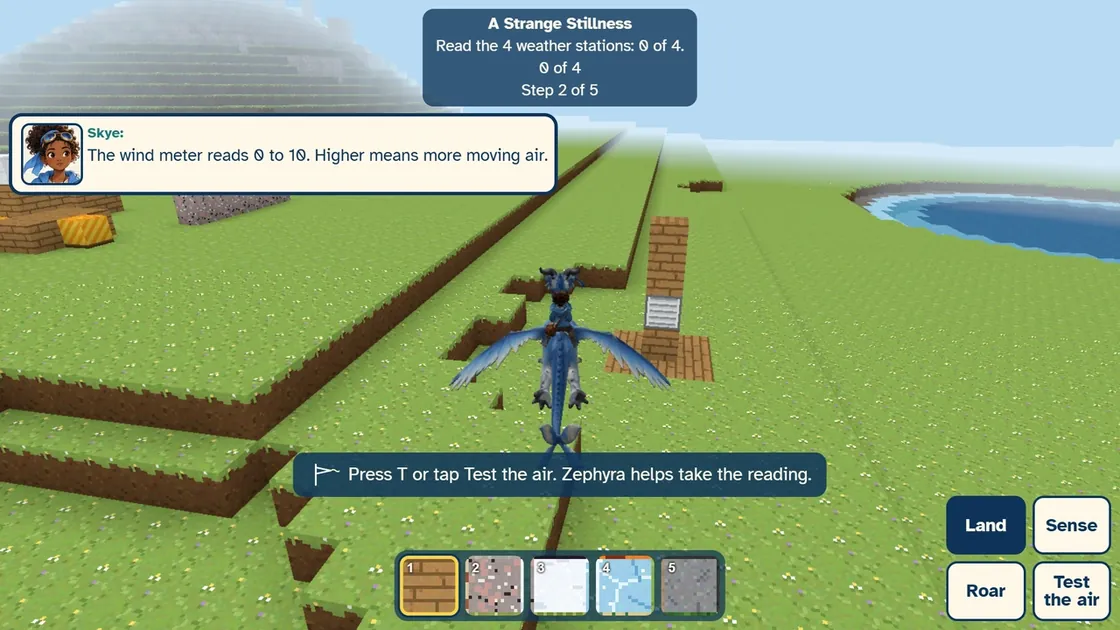
Snowy granite peaks, a windy gap between the ridges, and weather stations to visit.
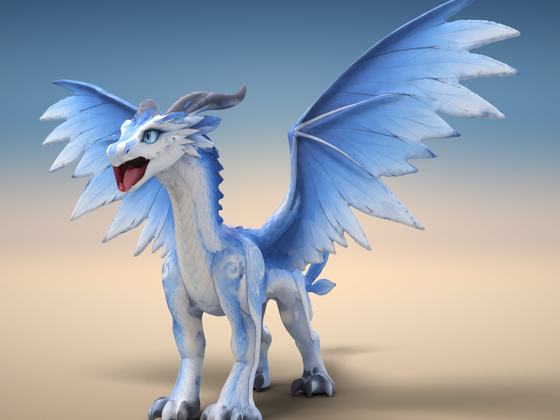
Zephyra, the sky and weather dragon (Galecrest), with rider Skye.
 Real Data
Missions in this region (7 missions, 3 new)
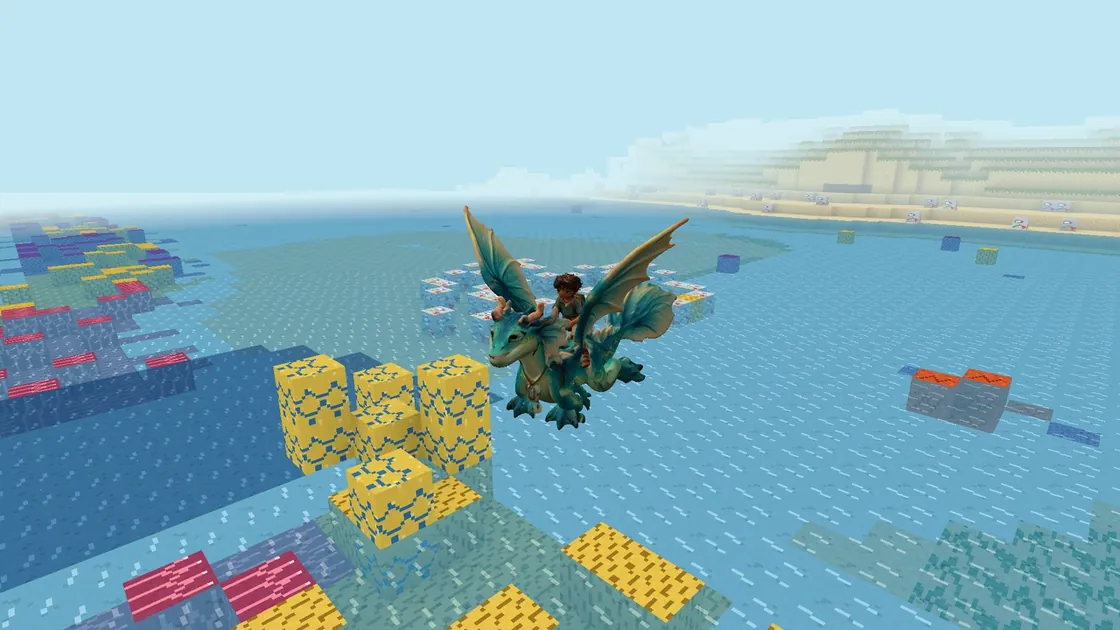
A beach, a coral reef and deep water to swim in.
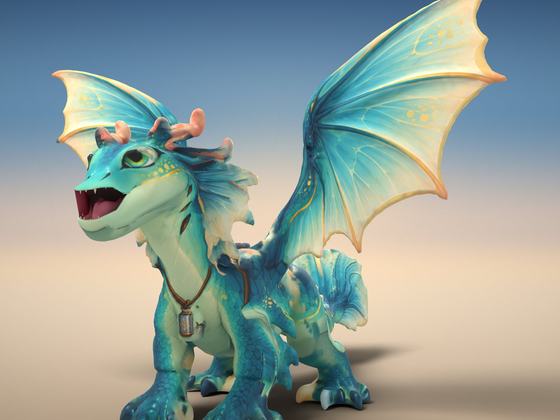
Marina, the water and reef dragon (Reefglider), with rider Neri.
 Clean Currents
Missions in this region (6 missions, 2 new)
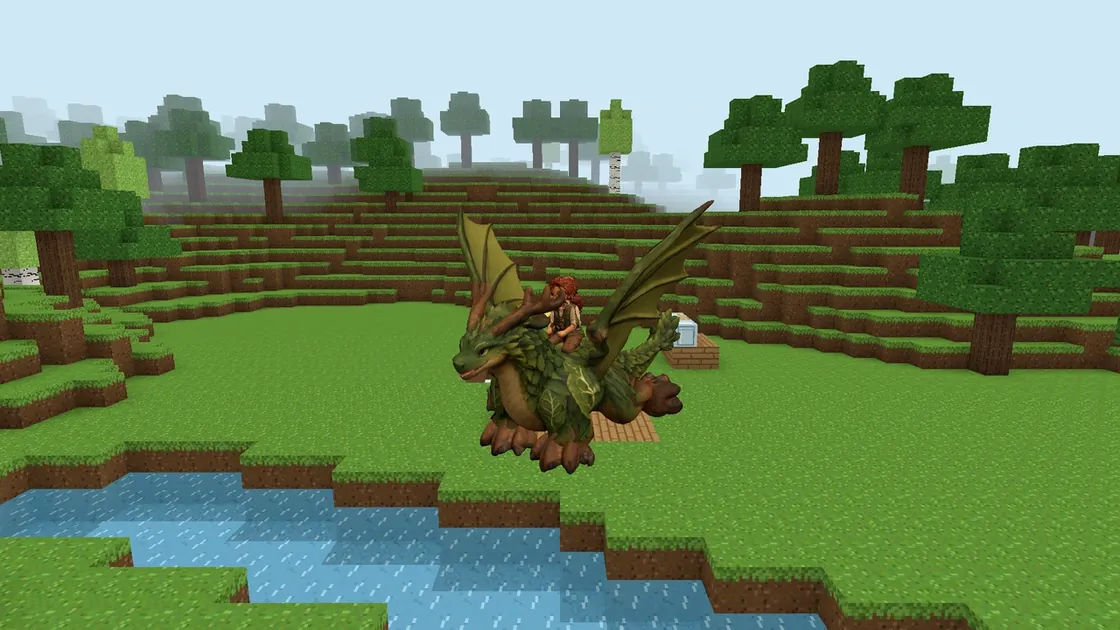
A living forest with a stream, meadows, jars to sample and a marsh bridge.
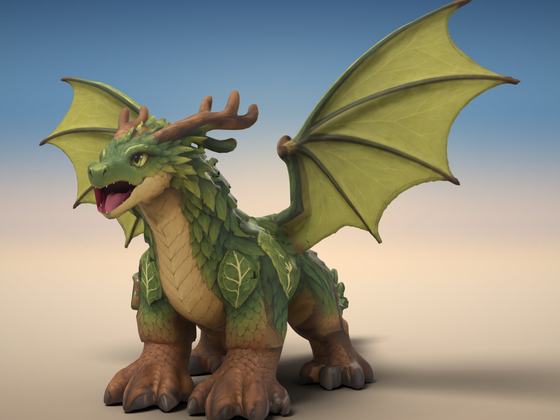
Terra, the forest and earth dragon (Verdant), with rider Rowan.
 Clear Stream
Missions in this region (7 missions, 2 new)
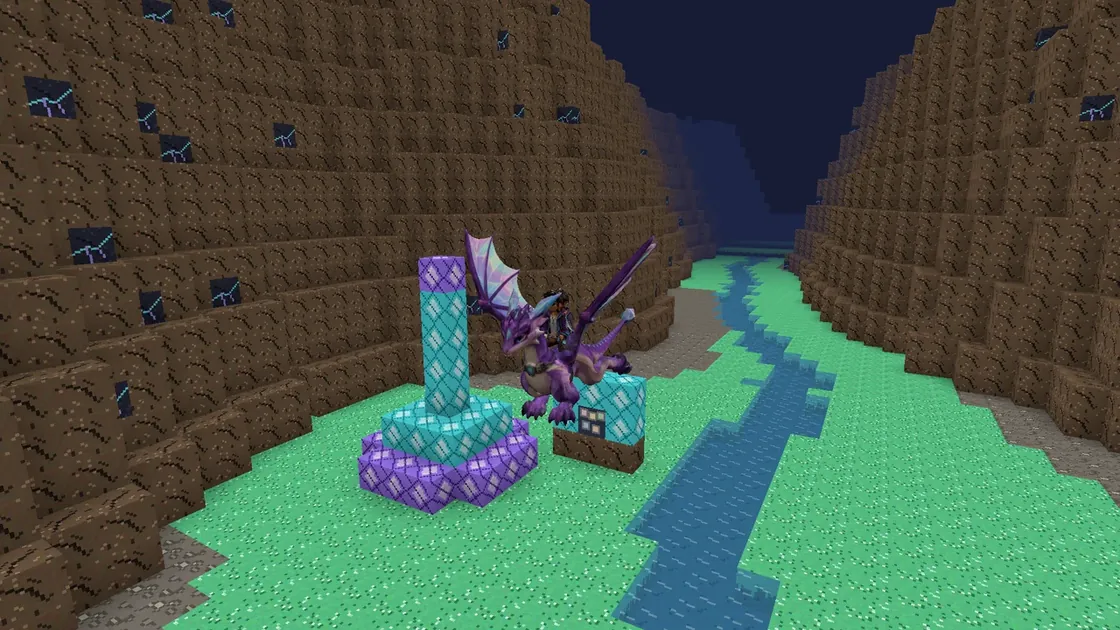
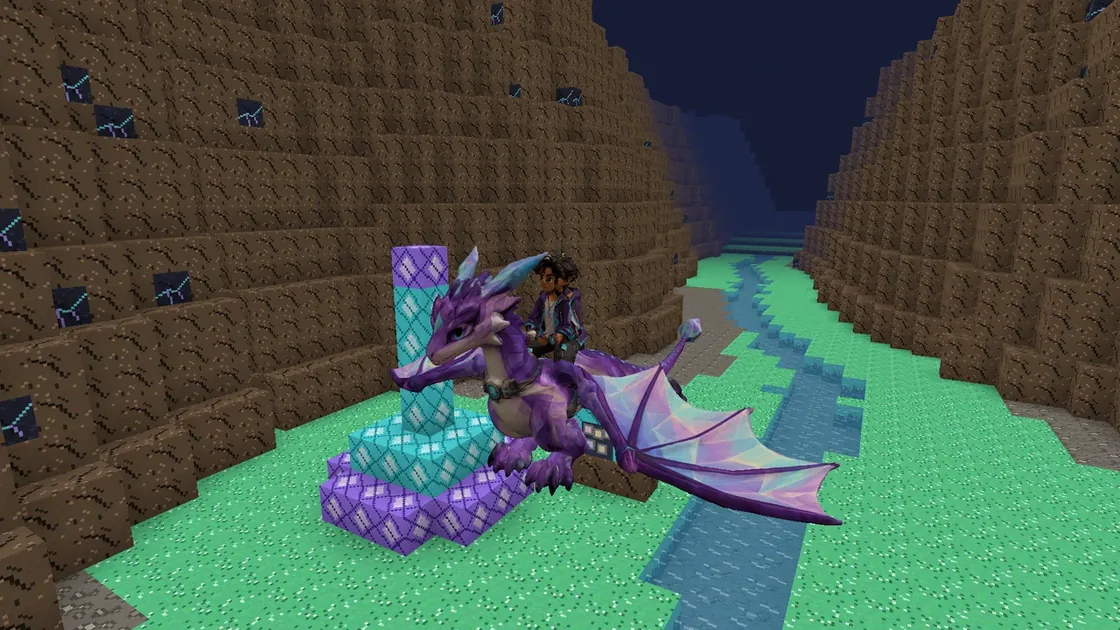
Glowing crystal spires and a canyon: the City of Knowledge.
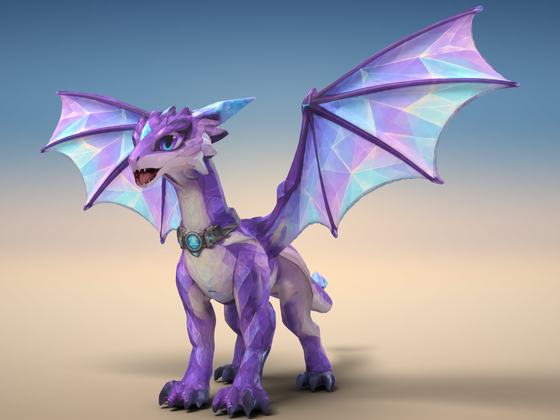
Lumen, the crystal and data dragon (Prism), with rider Tavi.
 Source Checker
Missions in this region (6 missions, 2 new)
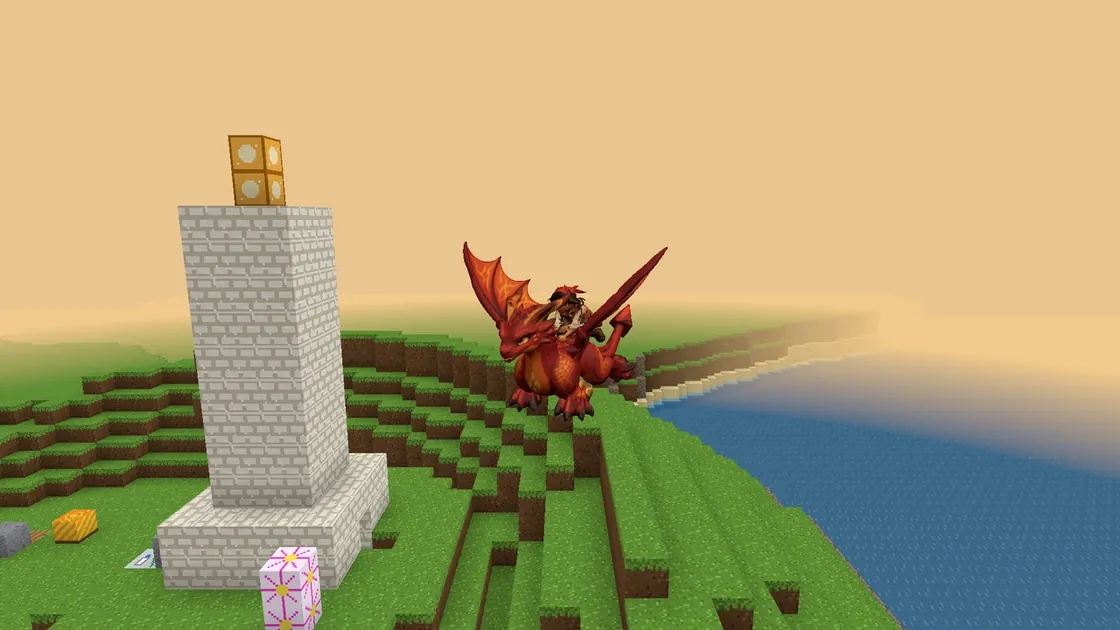
A river island with a lighthouse and a waterwheel. All five hero teams work together here.
All five hero dragons and their riders. Kairo and Maya lead, and you choose which hero flies each mission.
 Five Partners
Missions in this region (6 missions, 6 new)
Every mission has a goal line, glowing markers to fly to, and a rider who helps. Most take about 5 to 10 minutes. Pick any mission from the Missions list (press J). 17 missions are new in the October 2026 update.
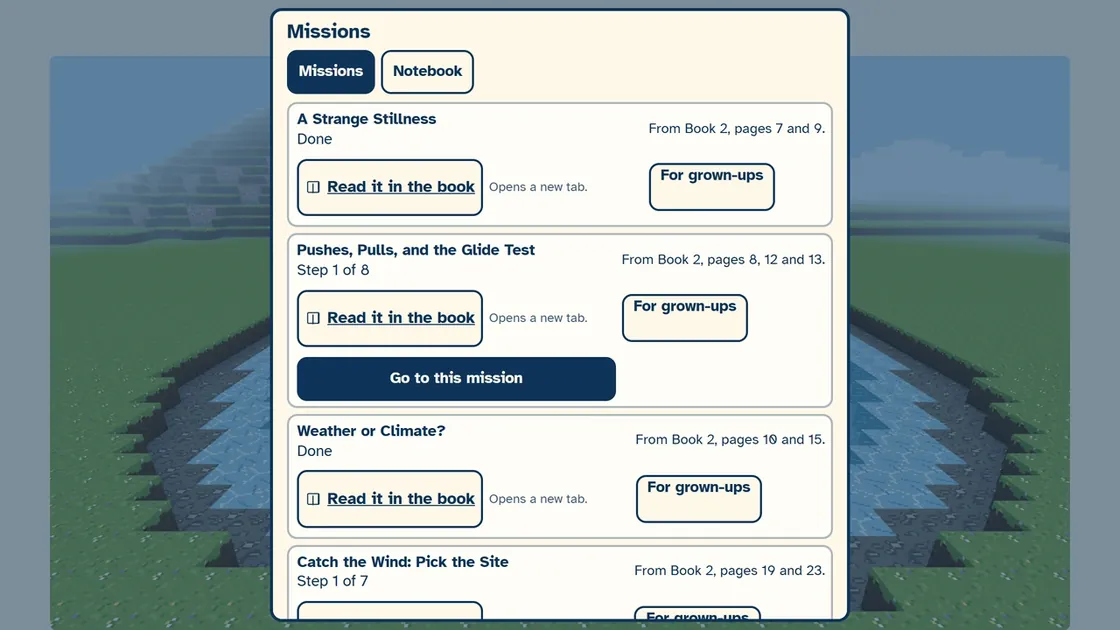
These are the steps of one mission, straight from the game. It takes about 7 minutes, and the game keeps your place if you stop.
A book link opens a page with only the book pages that mission uses. The rest of each book stays in print.
| Mission | The STEM idea | In the book |
|---|---|---|
| The Forge Flame Fades | I can read four gauges, find how much a reading changed, and use the changes to decide what to check next.
| Read it in the book |
| Filter Plates and Fair SharesNew in the October 2026 update | I can multiply to count equal groups and divide to share things fairly.
| Read it in the book |
| Fractions of the Fuel WheelNew in the October 2026 update | I can name a fraction of a whole and show that 1/2, 2/4 and 4/8 are the same amount.
| Read it in the book |
| A Shortcut in the Shadows | I can find what caused a problem and put its effects in order, from cause to effect.
| Read it in the book |
| Build a Better Filter | I can sort criteria from constraints, plan a fair test, and pick the design that meets all the criteria.
| Read it in the book |
| Sabotage at the Vent Tower | I can find a pattern in a table (steps x push = 12) and use before and after numbers to decide if a repair worked.
| Read it in the book |
| Mission | The STEM idea | In the book |
|---|---|---|
| A Strange Stillness | I can compare weather readings from 4 places with their usual values and say if a change is local or everywhere.
| Read it in the book |
| Pushes, Pulls, and the Glide TestNew in the October 2026 update | I can compare glide trials that share the same time or the same distance, and use balanced and unbalanced forces to explain a change.
| Read it in the book |
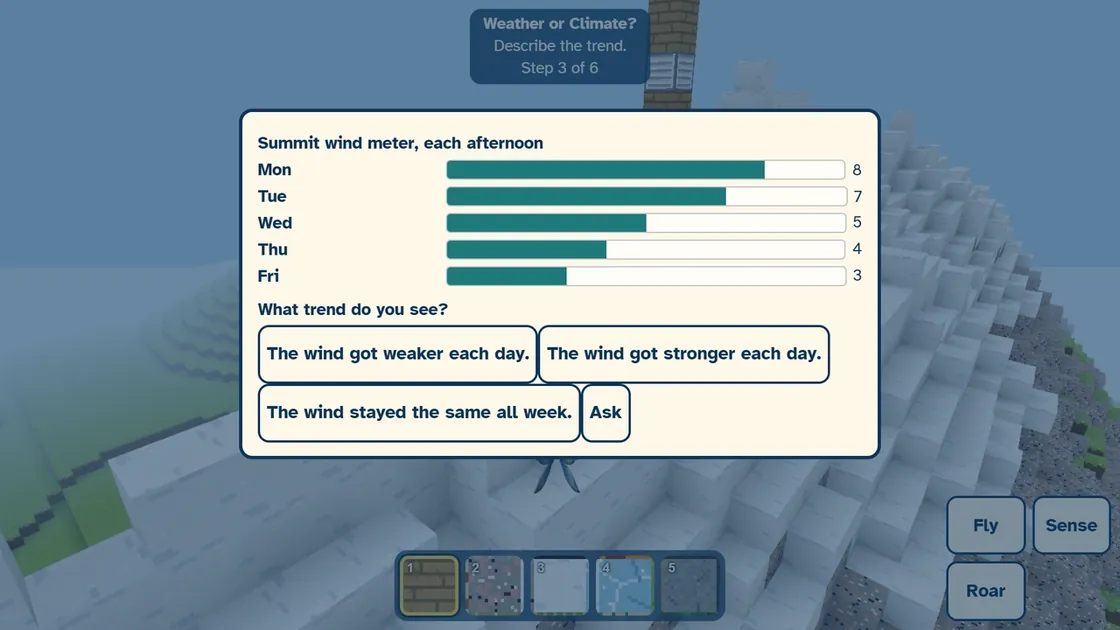
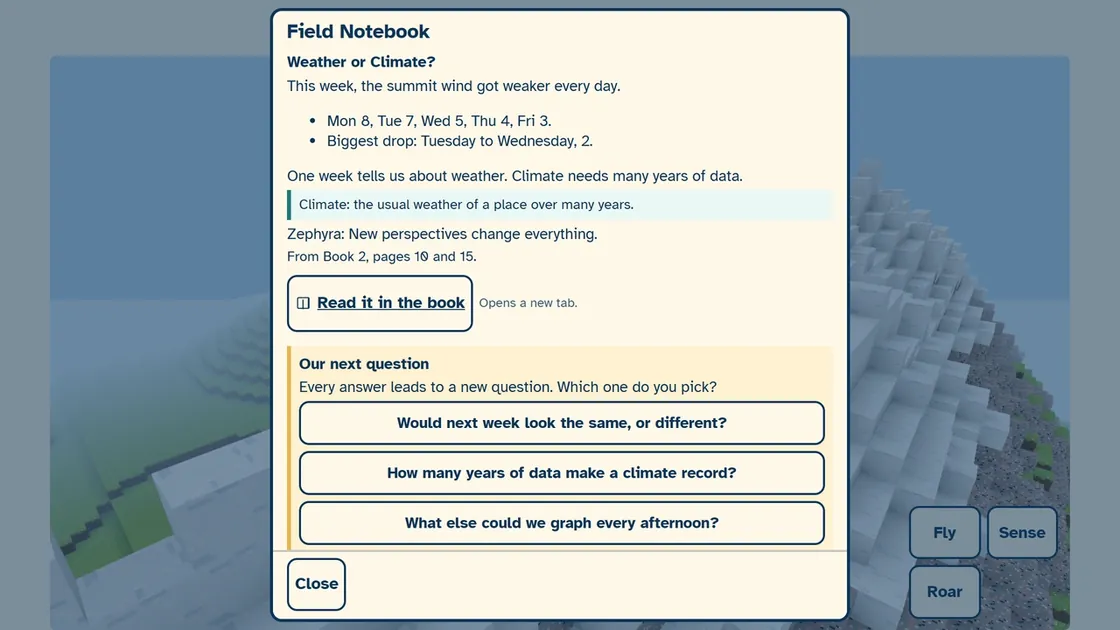
| Weather or Climate? | I can describe the trend in a bar graph, find the biggest drop, and explain why one week is weather, not climate.
| Read it in the book |
| Catch the Wind: Pick the SiteNew in the October 2026 update | I can explain how moving air can power a lamp, and pick a site that meets every goal, not just the strongest wind.
| Read it in the book |
| Engineer a Wind Meter | I can plan a fair test, compare 3 designs against several goals, and explain why the best design meets every goal.
| Read it in the book |
| Ready for the WindNew in the October 2026 update | I can use wind readings to make a claim that a shelter reduces a wind hazard.
| Read it in the book |
| Sabotage at the Weather Tower | I can use 2 independent clues to find where the wind comes from, tell measured evidence from a claim, and find a 45° turn.
| Read it in the book |
| Mission | The STEM idea | In the book |
|---|---|---|
| Compare the Reef Zones | I can compare counts from 3 reef zones with last month's notes, find the biggest change, and say what the numbers do and don't prove.
| Read it in the book |
| Sort the Sea LifeNew in the October 2026 update | I can sort sea animals into groups by their body parts.
| Read it in the book |
| Who Eats What in the ReefNew in the October 2026 update | I can put a reef food chain in order, from producer to top consumer.
| Read it in the book |
| Follow the Floating Clues | I can use litter counts and a float test to show where litter collects, and sort litter by what it did in water.
| Read it in the book |
| Test the Cleanup Tools | I can compare 4 cleanup tools against 3 criteria, find how many more one collected, and build a floating barrier.
| Read it in the book |
| Sabotage at the Tide Gate | I can clear a pollution source, explain why pushing trash out to sea is not a solution, and use before and after data to judge a cleanup.
| Read it in the book |
| Mission | The STEM idea | In the book |
|---|---|---|
| Four Curiosity Sparks | I can record observations at 4 places and pick the observation that best explains the cloudy stream.
| Read it in the book |
| Where Does Runoff Go? | I can compare clarity readings from 3 places to find where soil enters a stream and explain why the water clears downstream.
| Read it in the book |
| Count the Living CluesNew in the October 2026 update | I can compare counts of living things at two places and say what they show.
| Read it in the book |
| Dissolved, Cloudy, or Settled?New in the October 2026 update | I can sort matter in water as dissolved, suspended or settled, and say what a filter can catch.
| Read it in the book |
| Build a Green Buffer | I can plan a fair test, use its results to compare two solutions, and build a buffer strip.
| Read it in the book |
| The Thorny Vines | I can use counts from 3 plots to describe how vines spread, explain why covered trees struggle and judge whether pulling vines is a good solution.
| Read it in the book |
| Sabotage at the Marsh Bridge | I can use samples above and below a bridge to find where pollution enters, and tell what we saw from what we think.
| Read it in the book |
| Mission | The STEM idea | In the book |
|---|---|---|
| Debug the Tangled Signal | I can sort the parts of a computing system and test a network one node at a time to find where a problem starts.
| Read it in the book |
| Sort the Sticky NotesNew in the October 2026 update | I can sort claims into facts, guesses, opinions and unknowns.
| Read it in the book |
| Check a Suspicious Message | I can follow a checking algorithm to decide if a message is real, choose a safe action, and sort messages by how trustworthy they are.
| Read it in the book |
| Test the Signal Filter | I can plan a fair test, find how many fewer alerts the filter allowed, and explain why a test that changes 2 things is not fair.
| Read it in the book |
| Design a Kinder Tech SpaceNew in the October 2026 update | I can name a design problem, compare 2 designs against goals, and build the better one.
| Read it in the book |
| Mission | The STEM idea | In the book |
|---|---|---|
| Five Clues, One IslandNew in the October 2026 update | I can look at several clues and decide if they point to one cause or many working together.
| Not out yet |
| A Map of ConnectionsNew in the October 2026 update | I can put a system's parts in the order energy flows through them and predict what a break does.
| Not out yet |
| Two Clues at the WheelNew in the October 2026 update | I can tell an observation from an explanation, choose the plan that protects the whole system, and know when one fix is not the whole answer.
| Not out yet |
| A Message You Can TrustNew in the October 2026 update | I can test a whole system, read trial totals to compare 3 methods, and follow an ordered checking procedure.
| Not out yet |
| The Dragonkeepers UniteNew in the October 2026 update | I can explain why a team with different kinds of expertise found more than one person could, retest a repaired model, and say what 'the whole system working' means.
| Not out yet |
Press N to open it. The notebook keeps everything you earn, and you can look at it any time.
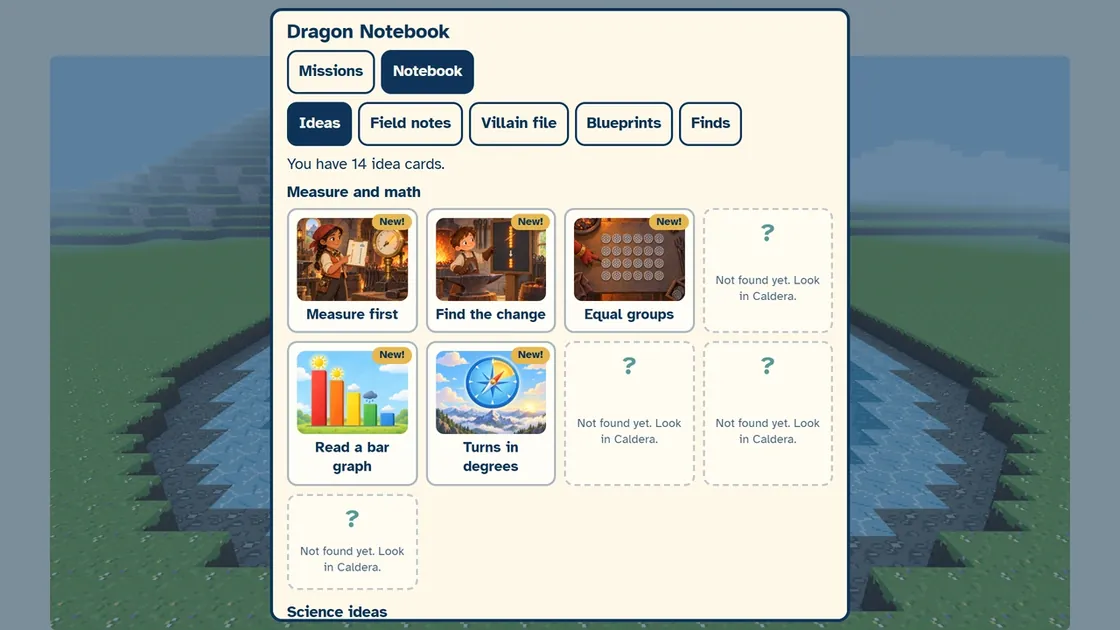
This card comes from the first mission in the Caldera.
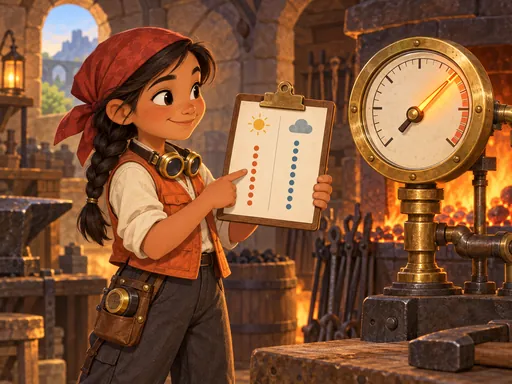
A guess is an idea. A measurement is evidence.
Kairo and Maya read the gauges before they acted.
Then they compared today with yesterday.
Science word: Data: facts and numbers we collect to answer a question.
Show the answer: 60 °C cooler. 350 − 290 = 60.
Every map hides real science facts at special places. Here is one from each region.
Obsidian is glass made by a volcano. Lava cooled before crystals had time to grow.
Wind squeezes through a gap in the mountains. It often blows harder there.
Seagrass is a flowering plant, not seaweed. Young fish hide in it.
A spoonful of soil can hold billions of living things. You need a microscope to see most of them.
Light can travel through thin glass threads. Those threads carry internet messages.
Fog is a cloud that touches the ground. It forms when damp air cools.
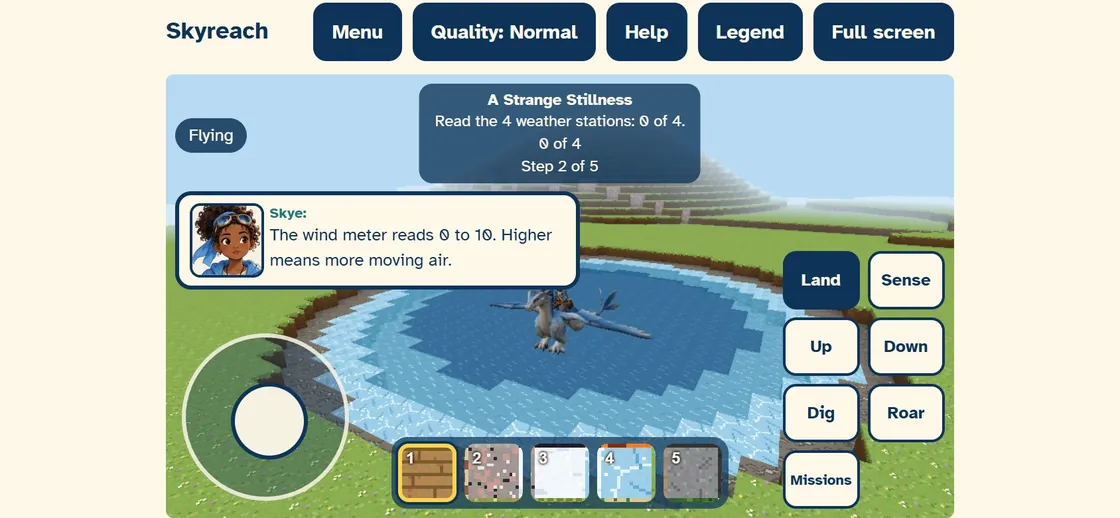
Use a keyboard and mouse, or touch. The game also shows its keys on the screen: press L to show or hide them.
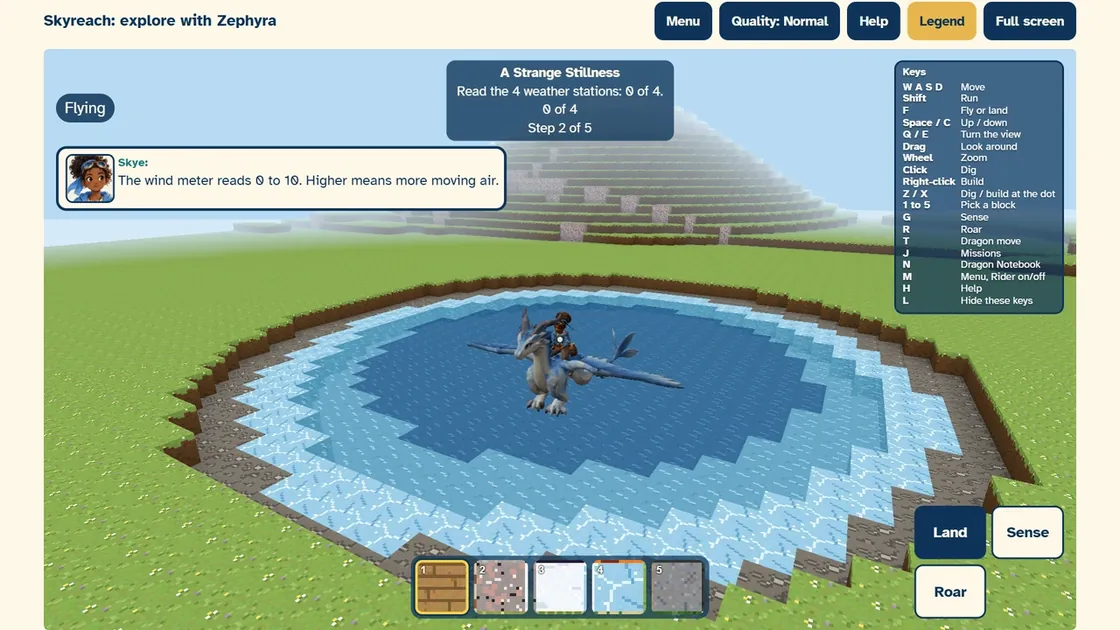
These are the same controls you find in the game's Menu, under Controls.
| Key | What it does |
|---|---|
| W A S D or arrows | Move |
| Shift | Run while moving |
| F | Take off or land |
| Space | Go up. On the ground, take off. |
| C | Go down. Touch the ground to land. |
| Q and E | Turn the view |
| + and - | Zoom in and out |
| Z | Dig at the dot |
| X | Build at the dot |
| 1 to 5 | Pick a block (or an answer in a mission panel) |
| G | Sense the ground |
| R | Roar |
| P | Pet a friend that is close |
| T | Play your dragon's move at a measuring spot |
| J | Open Missions |
| N | Open the Dragon Notebook |
| Enter | Next line in a conversation |
| H | Help (or Ask for a hint in a panel) |
| M or Esc | Open or close the menu |
| L | Show or hide the key legend |
| V | Sound: mute and unmute |
| Mouse | What it does |
|---|---|
| Click | Dig the block you point at |
| Right-click | Build on the block you point at |
| Drag | Look around |
| Wheel | Zoom in and out |
| Control | What it does |
|---|---|
| Round pad | Move. Push it far to run. |
| Drag | Look around |
| Pinch | Zoom in and out |
| Tap | Dig or build |
| Dig / Build | Switch what a tap does |
| Fly, Up, Down | Fly, rise and sink |
| Sense | Sense the ground |
| Roar | Roar |
| Missions | Open your missions |
| Pet | Pet a friend that is close |
| Menu | Save, load, travel and more |
| Notebook | Open from the Menu, or the Missions tab |
Your game is saved on your own device. There are three ways to keep it safe.
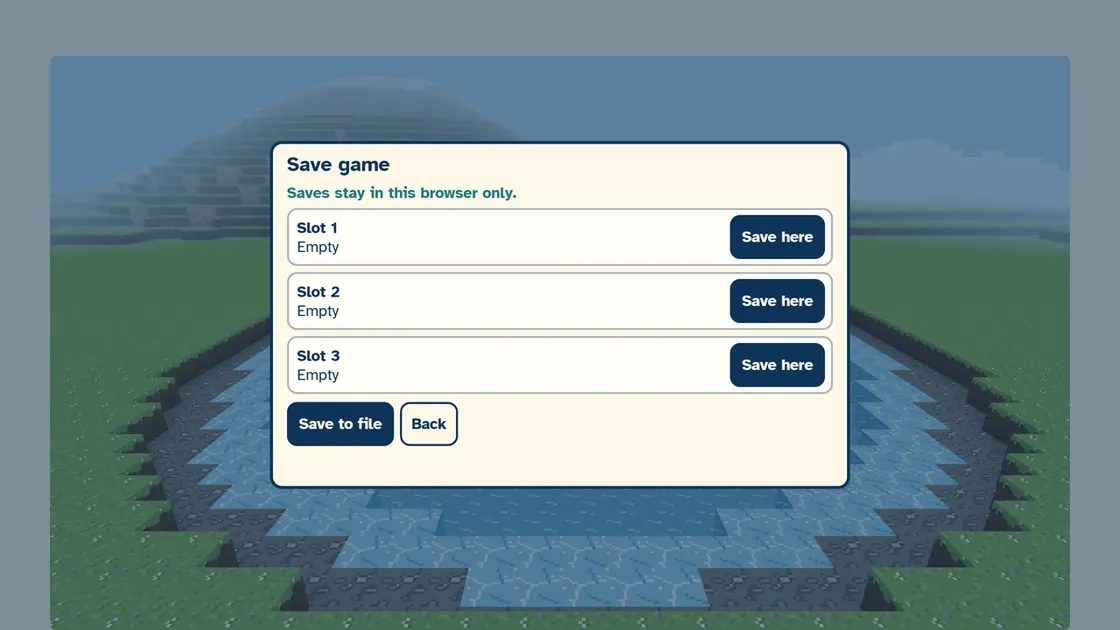
The game saves by itself while you play, a few seconds after you dig or build. It keeps your latest autosave and the one before it. Both show up in Load game.
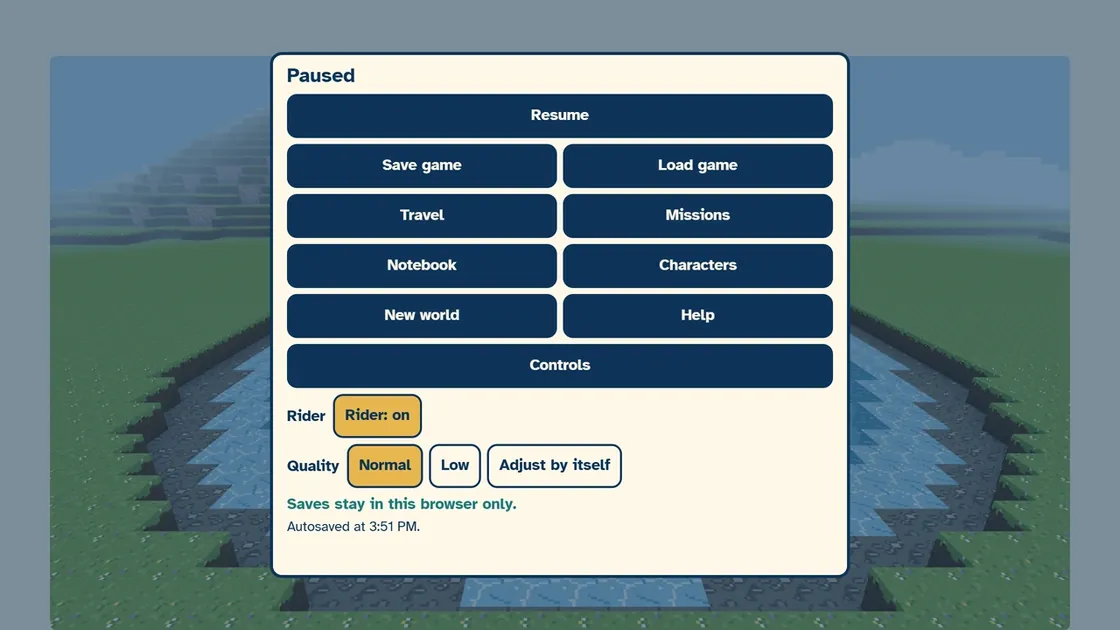
Open the Menu and choose Save game. Give your save a name (up to 40 letters) and pick a slot. Choose Load game to come back to it later.
Save to file makes a file you can keep. Use it to keep a copy of a big build, or to move your world to another computer. Load from file opens it again. The file name starts with openmap_save_.
Saves stay in this browser, on this device. They are not sent anywhere. If you clear your browser's data, or play in a private window, saves can disappear. A file you saved stays safe where you put it.
Tip: before a big build, or before you clear your browser, use Save to file.
The Open Map runs in your web browser and uses WebGL 2. Current versions of Chrome, Edge, Safari and Firefox have it.
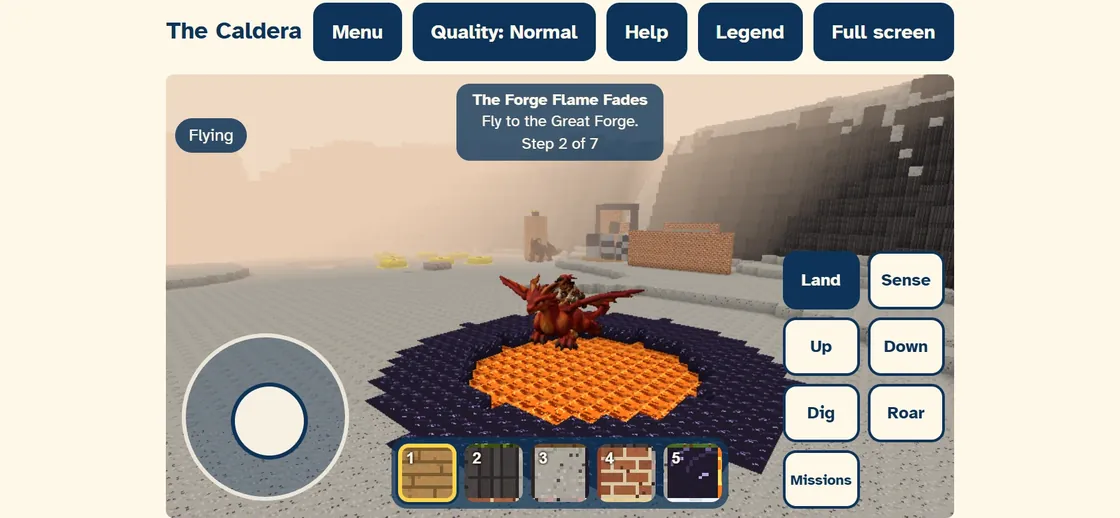
A Windows or Mac computer with a keyboard and mouse. Chrome and Edge got the most testing.
Chrome runs it. We tested a simulated school Chromebook, with a slower processor and a slow internet link. We have not tried a real one yet.
A round pad moves you, a drag looks around, a pinch zooms, and a tap digs or builds. Hold the tablet sideways, so the game screen is bigger. We have tried tablet-size screens in tests, but not yet a real iPad or Safari.
The text is small and the number boxes open the on-screen keyboard. Hold the phone sideways. A tablet or a computer is better for now.
Browsers: Chrome and Edge got the testing. Safari and Firefox have not been checked yet, so they may have rough edges.
The first time, the game downloads about 12 MB. On a fast computer it is ready in about 4 seconds. In our school-laptop test, with a slow internet link, it took about 20 seconds. The browser keeps the files, so later visits are quicker. More dragons and pictures load only when they are needed.
Open the Menu and choose Quality. Adjust by itself lowers the detail when the computer needs it, and Low is for older computers. If the game slows down after a very long session, save, then reload the page. There is also a Full screen button above the game.
Here is what changed in the October 2026 update.
6 missions on a river island, where all five hero teams work together. You choose which hero flies each mission. The last mission brings Nullwyrm and The Dull King.
11 new missions in the first five regions and 6 on Beacon Isle, so there are 38 in all. Each is built from pages of the books.
Press N. It keeps 51 idea cards, your notebook pages, 38 blueprints, 34 curiosity finds and a villain file.
Each mission from Books 1 to 5 links to its own book pages. They show the big idea and an activity to try at home.
At measuring spots, press T. Your dragon does its own move before the reading appears. Kairo measures, Zephyra tests the air, Marina looks closely, Terra feels the ground and Lumen sorts the data.
Every notebook page ends with questions to keep wondering about. There is no wrong one to pick.
Keyboard and screen-reader fixes, clearer text and buttons you can reach with Tab.
A little friend pops up next to your dragon. Press P to pet it, or tap Pet on a touch screen. Turn it on or off in the Menu, under Friends.
The game is made with Unity and runs in your web browser through WebGL. There is nothing to install.
Every region is a map of blocks, like building bricks. Game makers call them voxels. A region is 256 blocks wide, 256 blocks long and 64 blocks high. You can dig the blocks and build with them.
Each dragon was drawn from its character sheet in the books. Then it was built as a 3D model with moves: idle, walk, run, fly, investigate and roar, plus its own signature move.
The missions are written from pages of the books, then checked for STEM accuracy and for reading level.
Dragon STEM · The Dragonkeepers of Aethera is an original illustrated K-12 STEM book series by Adisak Sukul. The Open Map is part of its game project.
More views from the game.